



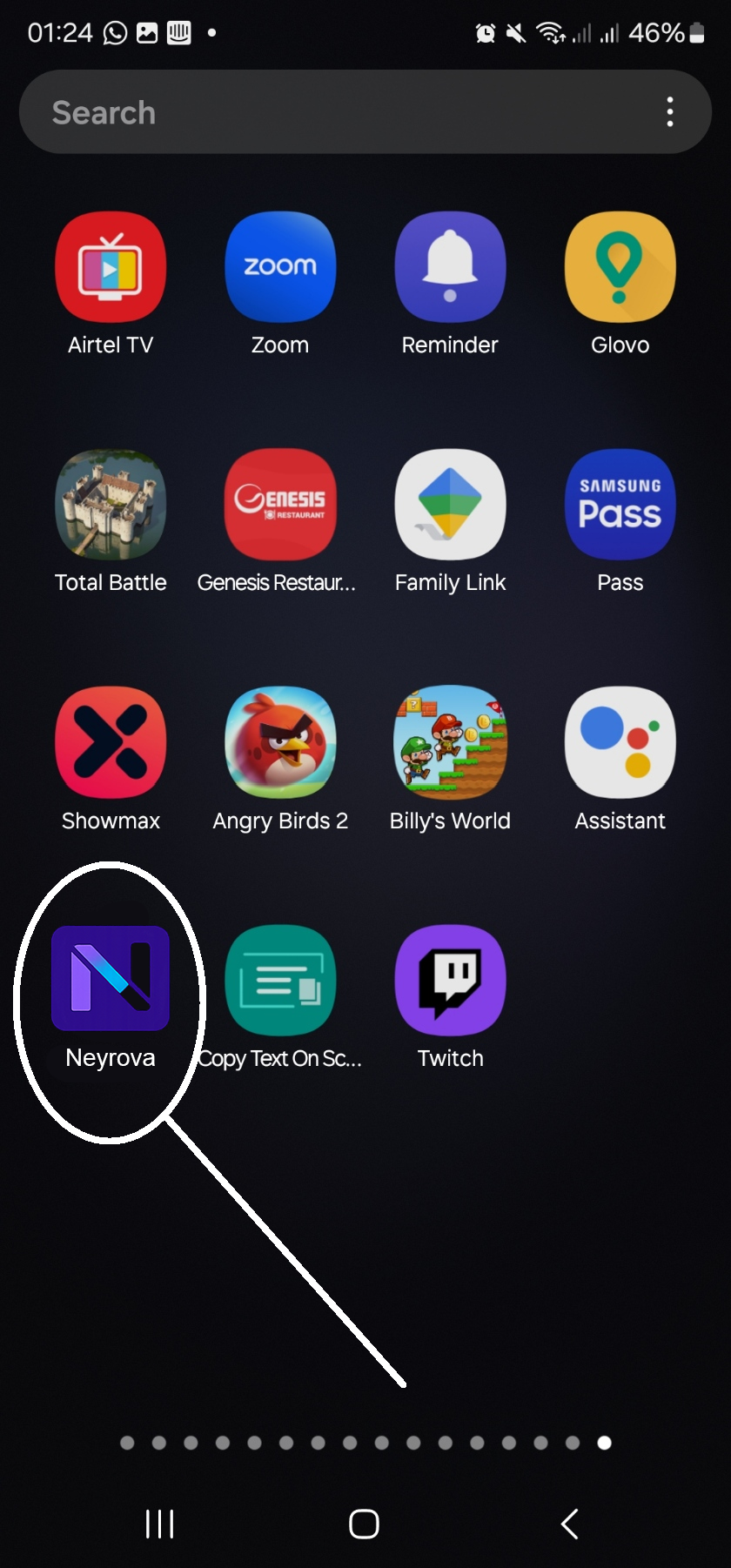
Even though we haven’t released our native mobile apps yet, you can still have the Neyrova app on your mobile homescreen.
For Android
Open https://app.neyrova.com up your Chrome browser
Click on the three dots to open up the browser menu
Click the “Install App”
You’ll find Neyrova on your app drawer and home screen.
Be sure to allow pop-ups to take full advantage of all features. For example, AI and the ability to access chatbots or the “Link in Bio” section

For iPhone
Open https://app.neyrova.com up your Safari browser
Click on the Share icon
Find the icon of “Add to home screen” and click on it.
The Neyrova app should be on your homepage.
Be sure to allow pop-ups to take advantage of all features. For example, AI, chatbots, or the “Link in Bio” section.
How to allow pop-ups on iPhone
📌 Chrome
- Open the Chrome browser on your iPhone.
- Tap the three dots at the bottom right → Settings.
- Scroll down and find the Content Settings section.
- Select Pop-ups.
- Turn on the switch to allow pop-ups.
- Open the desired site and check if pop-ups are working.
📌 Safari
- Open Settings on your iPhone.
- Scroll down and select Safari.
- Find the Block Pop-ups option.
- Turn the switch off to allow pop-ups.
- Open a site in Safari and check if pop-ups are working.
💡 Tip: Disable blocking only for trusted sites to avoid unwanted ads.