



Media Library
Simplify Media Management with Neyrova’s Media Library
Organize and access your media assets more easily with Neyrova’s powerful Media Library integration. Connected with Dropbox, Google Drive, Unsplash, and Tenor, it helps streamline content handling and make social media management more efficient.
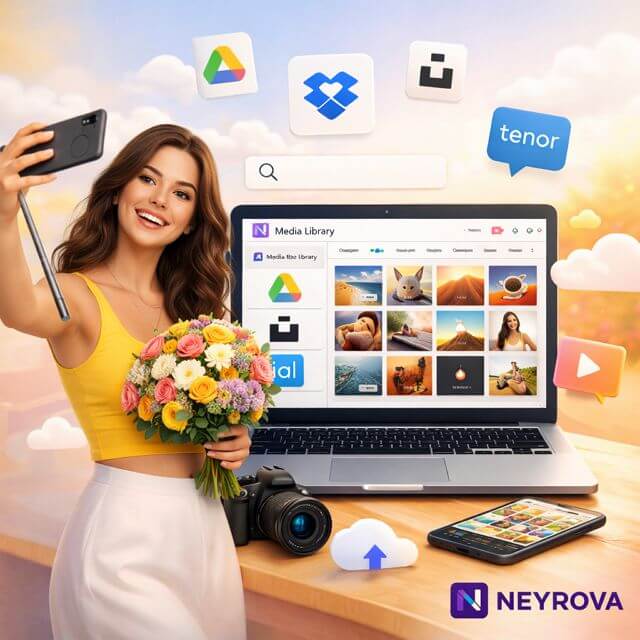
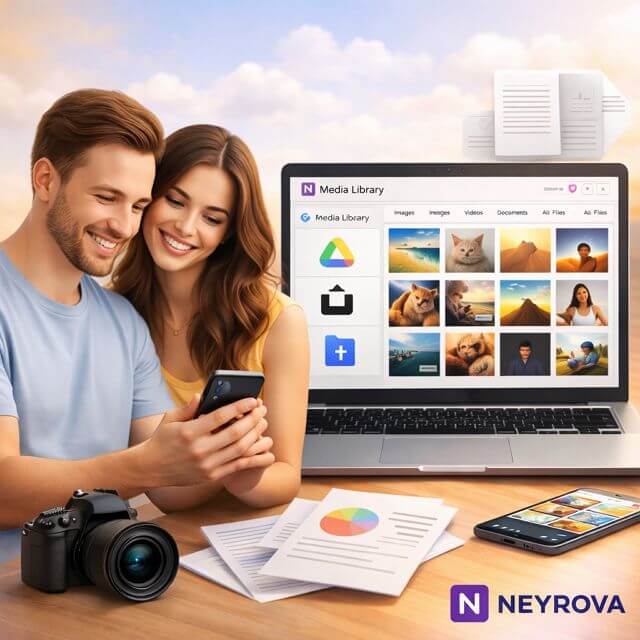
Centralized Media Storage
Stop dealing with scattered files and folders. Neyrova’s Media Library, integrated with Dropbox and Google Drive, gives you a single place to organize images, videos, and documents. Access and manage your media assets quickly whenever you need them.
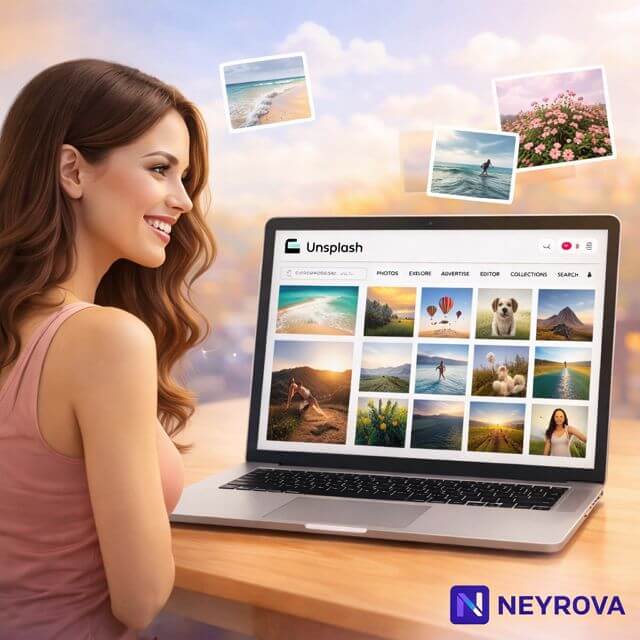
Access Stunning Stock Images
Enhance your social media posts with beautiful, high-quality images from Unsplash. Neyrova’s integration lets you find and add striking visuals directly to your Media Library, so your content always looks professional and engaging.t most.

Bring More Energy to Your Posts with Engaging GIFs
Add more movement and personality to your content with GIFs from Tenor. Neyrova’s Media Library integration helps you quickly discover and insert attention-grabbing GIFs that make posts feel more lively and help keep your audience engaged.
Frequently Asked Questions (FAQ)
How does Neyrova’s Media Library help organize content faster?
Neyrova’s Media Library gives you a simpler way to organize media assets and access them without digging through scattered folders. With Dropbox and Google Drive integrations, you can manage images, videos, and documents more efficiently and keep your content workflow easier to handle as your publishing needs grow.
Can I find stock images and GIFs directly inside the Media Library?
Yes. Neyrova connects your Media Library with Unsplash and Tenor, so you can quickly find stock images for social media and engaging GIFs without leaving your workflow. That means less time searching across different tools and more time creating posts that look polished, dynamic, and ready to publish.
Is Neyrova’s Media Library useful for social media content management?
Absolutely. Neyrova is built to improve social media content management by helping you organize files, access visuals faster, and keep everything connected in one workflow. Instead of switching between platforms to collect assets, you can move from content selection to publishing with less friction and better consistency.
Why is an integrated media library better than managing files manually?
An integrated media library reduces routine work and helps you stay focused on content creation. With media asset management tools inside Neyrova, your team can access the files they need, work with connected sources, and manage content more smoothly. It is a practical way to simplify content organization and support a more efficient social media process.
Get More from Neyrova’s Powerful Integrated Media Library
Stop jumping between different platforms to find and manage content. With Dropbox, Google Drive, Unsplash, and Tenor connected to Neyrova’s Media Library, you have the tools you need to create and manage content more smoothly in one workflow.