



Virtual Card Builder (vCard) in Neyrova
Modernize Professional Networking with Neyrova’s Virtual Card Builder
Create and share digital business cards with Neyrova’s Virtual Card Builder in a faster and more convenient way. Strengthen professional connections and simplify contact sharing with a modern digital format.
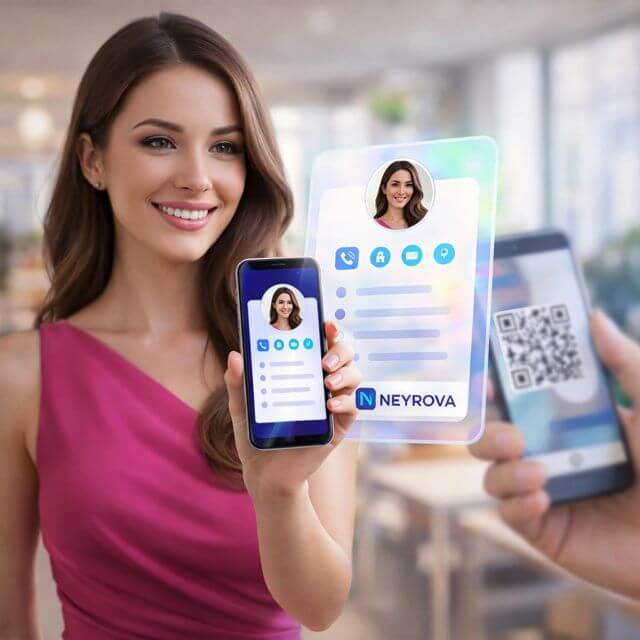
Strengthen Your Networking with Advanced Virtual Card Features
Custom Branded Virtual Cards
Create personalized digital business cards with your branding to present a distinctive professional identity
Effortless Sharing
Share your virtual cards smoothly across different platforms and devices
Trackable Interactions
Track engagement with your virtual cards through detailed analytics
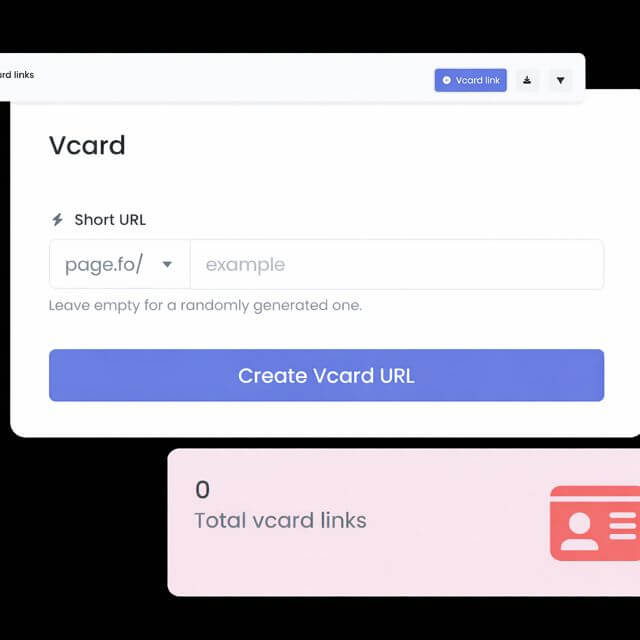
Create Custom Branded Virtual Cards That Present Your Professional Identity
Build digital business cards that reflect your professional brand with Neyrova’s Virtual Card Builder.
Personalize your virtual cards with your logo, brand colors, and contact information to maintain a polished and professional appearance.
Custom branding strengthens your identity and leaves a more memorable impression in every professional interaction.
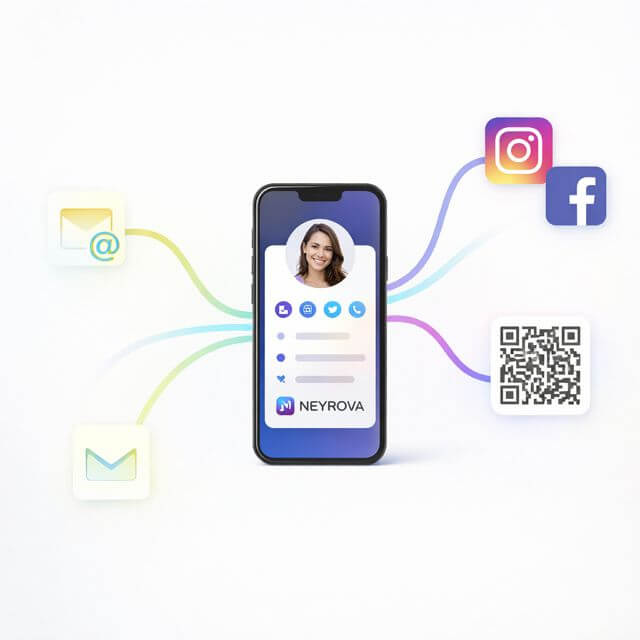
Share Your Virtual Cards Effortlessly Across Multiple Platforms
Easily share your virtual business cards through multiple channels, including email, social media, and QR codes.
Neyrova’s Virtual Card Builder streamlines the sharing process, making your contact information accessible and convenient for your network.
This smooth sharing experience improves your networking efficiency and expands your reach.
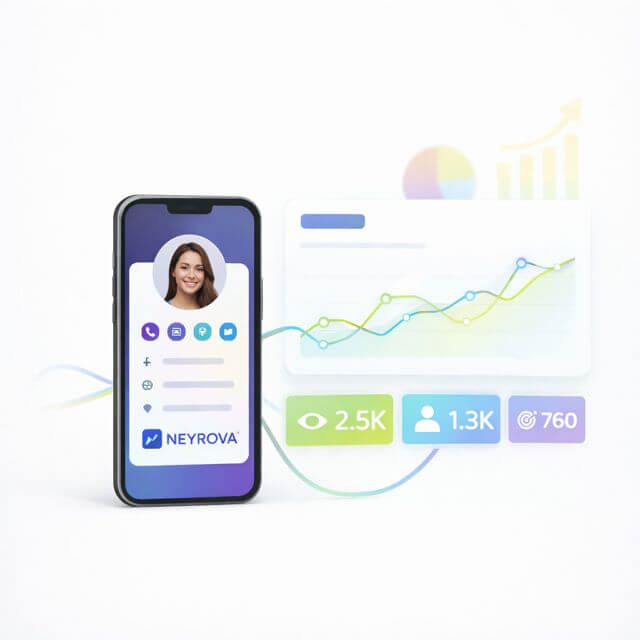
Measure Engagement with Your Virtual Cards Through Detailed Analytics
See how people interact with your virtual business cards using detailed analytics.
Track metrics such as views, shares, and clicks to understand how effective your virtual cards are.
Use this data to improve your networking strategy and make informed decisions that strengthen your professional connections.
Frequently Asked Questions (FAQ)
What is the Virtual Card Builder (vCard) in Neyrova?
The Virtual Card Builder (vCard) in Neyrova is a tool for creating digital business cards with your logo, contact details, and brand elements. The platform ensures fast creation, seamless sharing, and tracking of interactions with each card.
How to create a virtual business card (vCard) in Neyrova?
In Neyrova, you create a virtual business card by adding your contact information, logo, and brand colors. The builder allows you to quickly produce a professional vCard ready to be shared via email, social media, or QR code.
How to share a virtual business card (vCard) via QR code, email, or social media?
Neyrova enables fast distribution of virtual business cards through QR codes, email, and social media. Your contact details become accessible in one click, simplifying the process of building professional connections.
Can you track views, clicks, and shares of a virtual business card?
Yes. Neyrova provides detailed analytics, including views, clicks, and shares for each vCard. This allows you to evaluate performance and strengthen your networking strategy based on real data.
Additional Questions About Virtual Business Cards (vCard) in Neyrova
How does the Virtual Card Builder (vCard) in Neyrova accelerate professional networking?
Neyrova enables fast creation and instant sharing of virtual business cards across multiple channels. This reduces the time needed to exchange contacts and simplifies communication with new partners.
Why are virtual business cards (vCard) more effective than traditional paper cards?
Virtual cards do not get lost, are easy to update, and are always accessible from any device. Neyrova adds interaction analytics, making contact management more measurable and effective.
How do branded virtual business cards improve your professional image?
Adding your logo, brand colors, and contact details increases brand recognition and creates a strong professional impression with every interaction.
How does analytics in Neyrova improve your networking strategy?
Data on views, clicks, and shares allows you to evaluate performance and make informed decisions to strengthen your networking strategy.
Can you create and manage multiple virtual business cards (vCard) for different contacts or team members?
Yes. In Neyrova, you can create multiple virtual business cards for employees, departments, or business directions. Each vCard can be edited, updated, shared, and tracked individually — all within one interface.
Strengthen your networking strategy with Neyrova
Create your virtual business cards today. Design custom, trackable virtual cards and share them effortlessly to simplify building professional connections and make a strong impression.